

New in SketchUpPro3.0发行说明|新功能介绍
发布于2019-09-05
SketchUp爱好者关心SketchUp历次新版本都更新了啥,这里我专门整理出来,供大家参看使用!您可以在这里看看草图大师是如何一步步成长的!
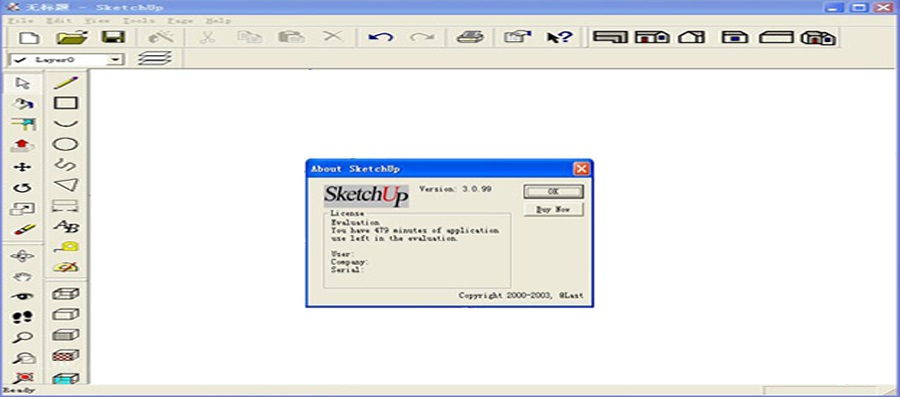
原文:
- Soften Edges: SketchUp’s edges can be softened and smoothed to achieve a real-world appearance. Edges are automatically hidden when softened.
- New Snaps: The snaps now also identify the equidistant chamfer of a corner and tangents.
- Tranparent Textures: SketchUp has got tranparent textures from now on.
- Text and Annotation: Add text and annotations to your SketchUp model.
- Dimension Tool: Add dimensions to your drawings.
- Animations: Export animations from the TourGuide Pages.
译文:
- 柔化边缘:SketchUp的边缘可以柔化和平滑,以实现真实的外观。 软化时自动隐藏边缘。
- 新的捕捉:捕捉现在还可以识别角落和切线的等距倒角。
- 透明纹理:SketchUp从现在开始具有透明纹理。
- 文本和注释:向SketchUp模型添加文本和注释。
- 尺寸工具:为图纸添加尺寸。
- 动画:从TourGuide页面导出动画。
浏览26
点赞0
评论0
收藏0
评论 (0)
暂无评论,快来留下一条吧~